Organizing your files
Our computers are full of files. As you take more and more courses in university, you’re going to find that you’re generating a lot of files.
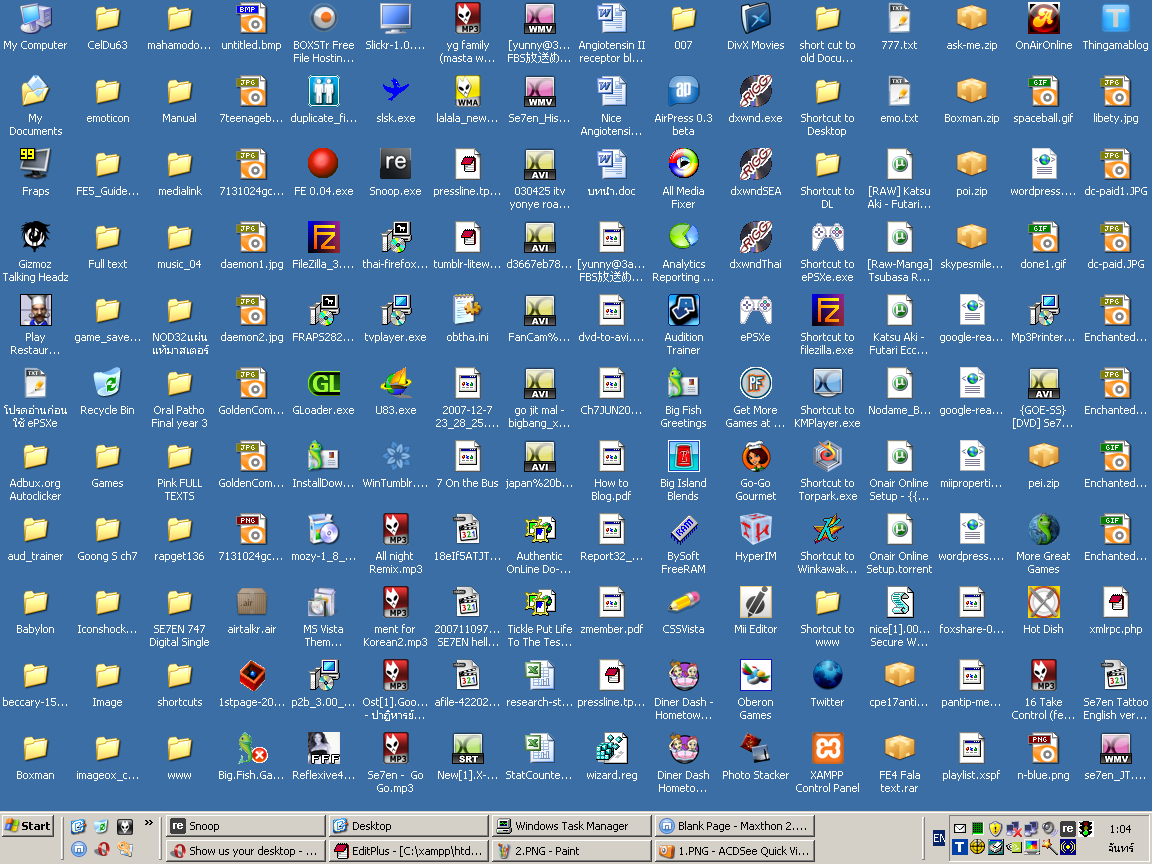
Keeping your files organized can help when
- You need to study for a test or exam.
- An assignment you’re currently working on builds on or uses ideas from an older assignment.
- You need to look back at the schoolwork you’ve done when you’re applying for jobs.
Organizing your files isn’t super hard. You need a simple plan about how you want to organize your files so that when you’re saving a new file for the first time you know where to put it.
Planning your organization
Try to come up with a high-level structure that uses information about the files. Pick information about the files that are facts and aren’t going to change as time goes on (e.g., dates and years, course names and numbers, departments, etc).
Files and folders are hierarchical (it’s a tree 🌳!), and you can use facts about the files you’re going to organize as parts of that tree structure. When planning your organizational structure, try to keep the information that’s most important to finding what you’re looking for close to the top of the tree structure.
I (me, Franklin) am an instructor in the Department of Computer Science at the University of Manitoba. My academic life revolves around academic years, terms, and courses. I usually want to be able to find information about a specific course very quickly, so course numbers are the highest level in my organizational structure.
My general strategy for organizing my files looks like this:
- Course number
- Year
- Academic term (e.g., fall, winter, summer)
- Deliverable type (e.g., assignments, labs, tests, schedules)
- Actual deliverables in those categories (e.g., assignment 1, test 3,
lab 2)
- Actual files for those deliverables (e.g.,
assignment.md,test.tex)
- Actual files for those deliverables (e.g.,
- Actual deliverables in those categories (e.g., assignment 1, test 3,
lab 2)
- Deliverable type (e.g., assignments, labs, tests, schedules)
- Academic term (e.g., fall, winter, summer)
- Year
An actual folder structure that I have for a course that I teach regularly looks like this:
comp3430/
├── 2021
│   └── summer
│       ├── assignments
│       │   └── assignment1
│       │       └── assignment.md
│       ├── schedule
│       │   └── schedule.docx
│       └── tests
│           ├── test1
│           │   └── test.tex
│           └── test2
│               └── test.tex
└── 2022
    ├── summer
    │   ├── assignments
    │   │   └── assignment1
    │   ├── schedule
    │   └── tests
    │       ├── test1
    │       └── test2
    └── winter
        ├── assignments
        │   └── assignment1
        ├── schedule
        └── tests
            └── test1
Organizing your files exactly like this doesn’t make sense — you don’t usually take the same course across terms and years — so you shouldn’t use this exact organizational strategy; you should make your own!
Here are some examples of information about files that you can use to organize your academic life:
- Faculty course is offered in (e.g., Arts, Science, Business, Engineering).
- Course number and name (e.g., comp1010, “SCI 2000”, “HIST 1350 An Introduction to the History of Western Civilization to 1500”).
- Academic year and/or term (e.g., 2022, “Fall 2022”“, Winter).
- Types of homework that you need to work on for a course (e.g., labs, assignments, projects).
- Actual deliverable for the type of homework (e.g., “Lab 1”, assignment4, “Final project”).
- Status of the files that you create for the type of homework (e.g., “Draft 3”, “Final”, “Submitted”).
You need to decide for yourself: Which of these are going to be names for folders and which of these are going to be names of files?
Making folders
Planning your strategy for organizing files is just the first step. Now you actually have to make the folder structure!
Making folders with your file explorer (Finder in macOS, Explorer in Windows, varies in Linux) is generally straightforward. You’ll find that you can create folders in several ways (some we’ll see later).